
Manual $19.99
You press Start each time you want a fresh backup.
Buy Manual TuckGem
Get TuckGem
TuckGem
Get TuckGem
For Windows
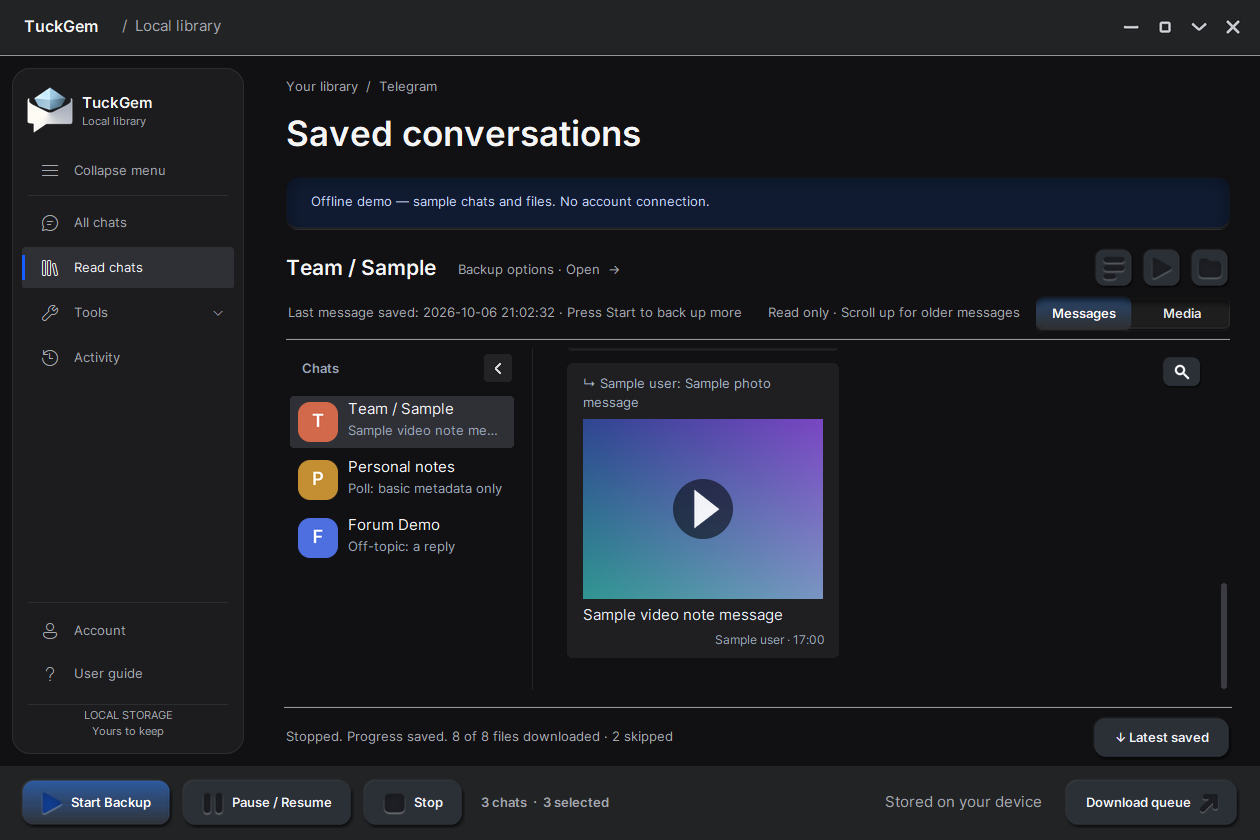
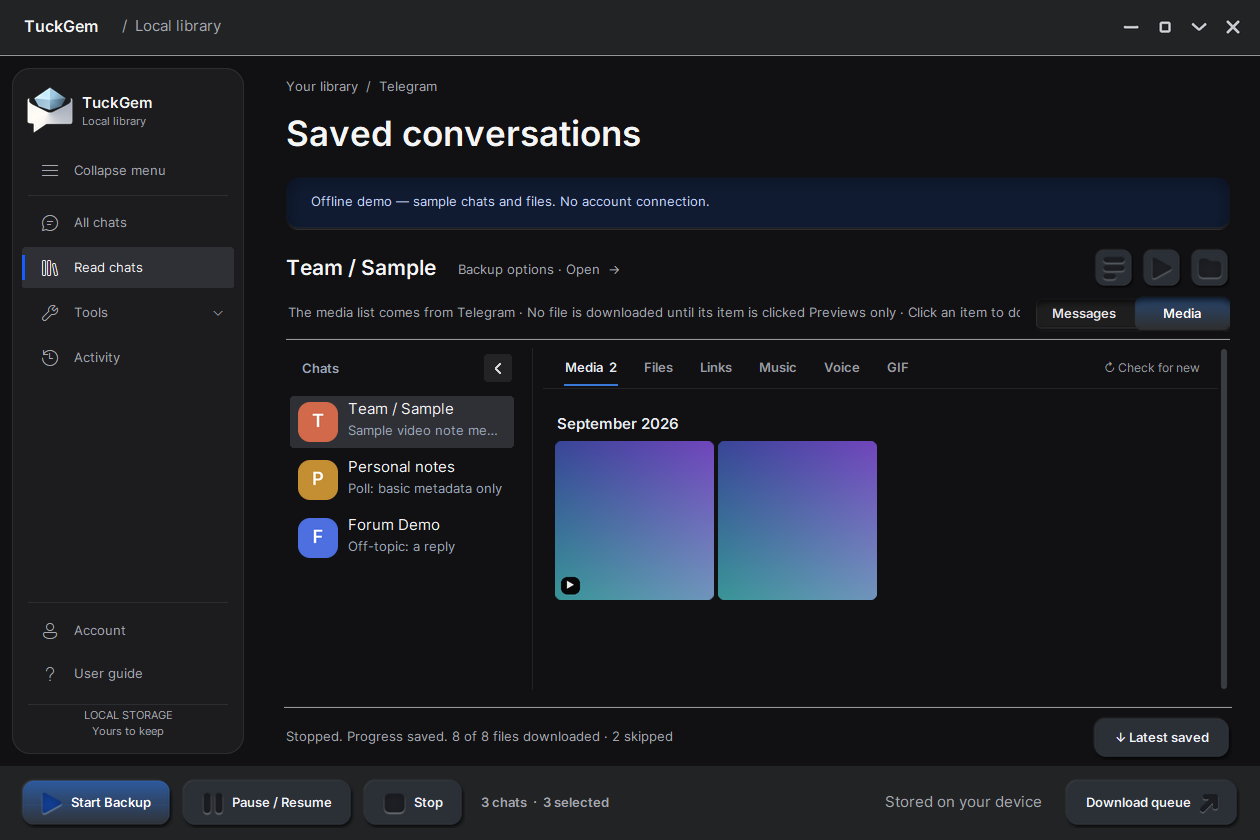
Back up the Telegram chats you choose to your own PC, and read them anytime in a calm, local library. Your messages go straight from Telegram to your computer — never through our servers.
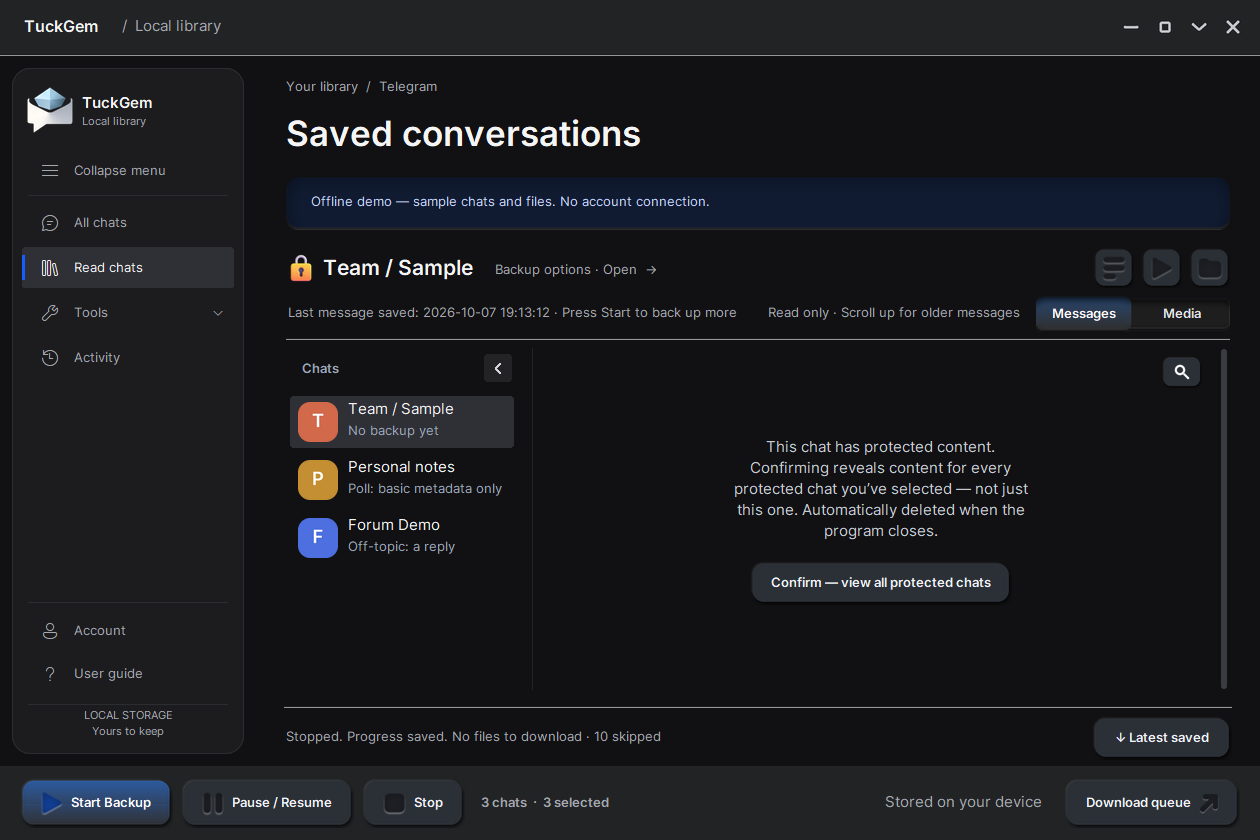
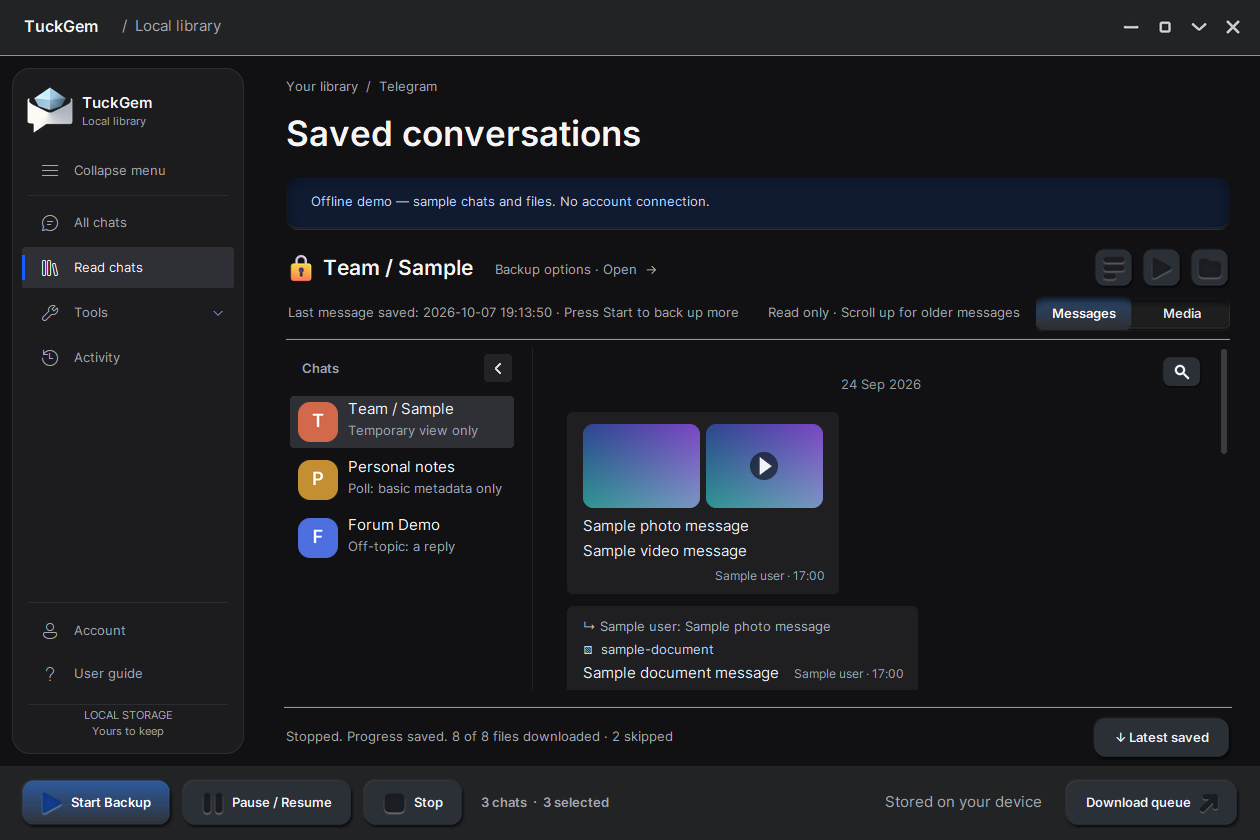
Backs up chats and media that aren't protected from saving. Chats with Telegram's “Restrict saving content” can still be viewed in TuckGem while it's open — that view is deleted when it closes and never saved.

You press Start each time you want a fresh backup.
Buy ManualPress Start once — it follows your chats while TuckGem is open.
Buy AutoYour data
Your chats never pass through our servers. Your licence key is verified on your computer.
Every chat gets its own plain folder you can open in File Explorer.
TuckGem connects to Telegram directly from your computer, with your own account.
Your licence key is verified on your computer.
No subscription. Use TuckGem on one Windows PC at a time, with a year of updates included.
You press Start each time you want a fresh backup.
Buy ManualPress Start once — it follows your chats while TuckGem is open.
Buy AutoAfter payment, your licence key and the download link are emailed to the address you use at checkout.
One-time purchase · Windows only · Protected content can be viewed while TuckGem is open, but not backed up · Secret Chats are not supported. See all limits